Add Okta Verify to another device
You must be able to log in to InsureID for this procedure. If not, see reset your MFA.
You can add Okta Verify to multiple mobile devices from your InsureID account at https://insureid.okta.com.
You can also transfer Okta Verify to a new device with Bluetooth. See the following instructions:
To add Okta Verify to another
-
Download the app to your new device.
-
On your computer, log in to https://insureid.okta.com.
-
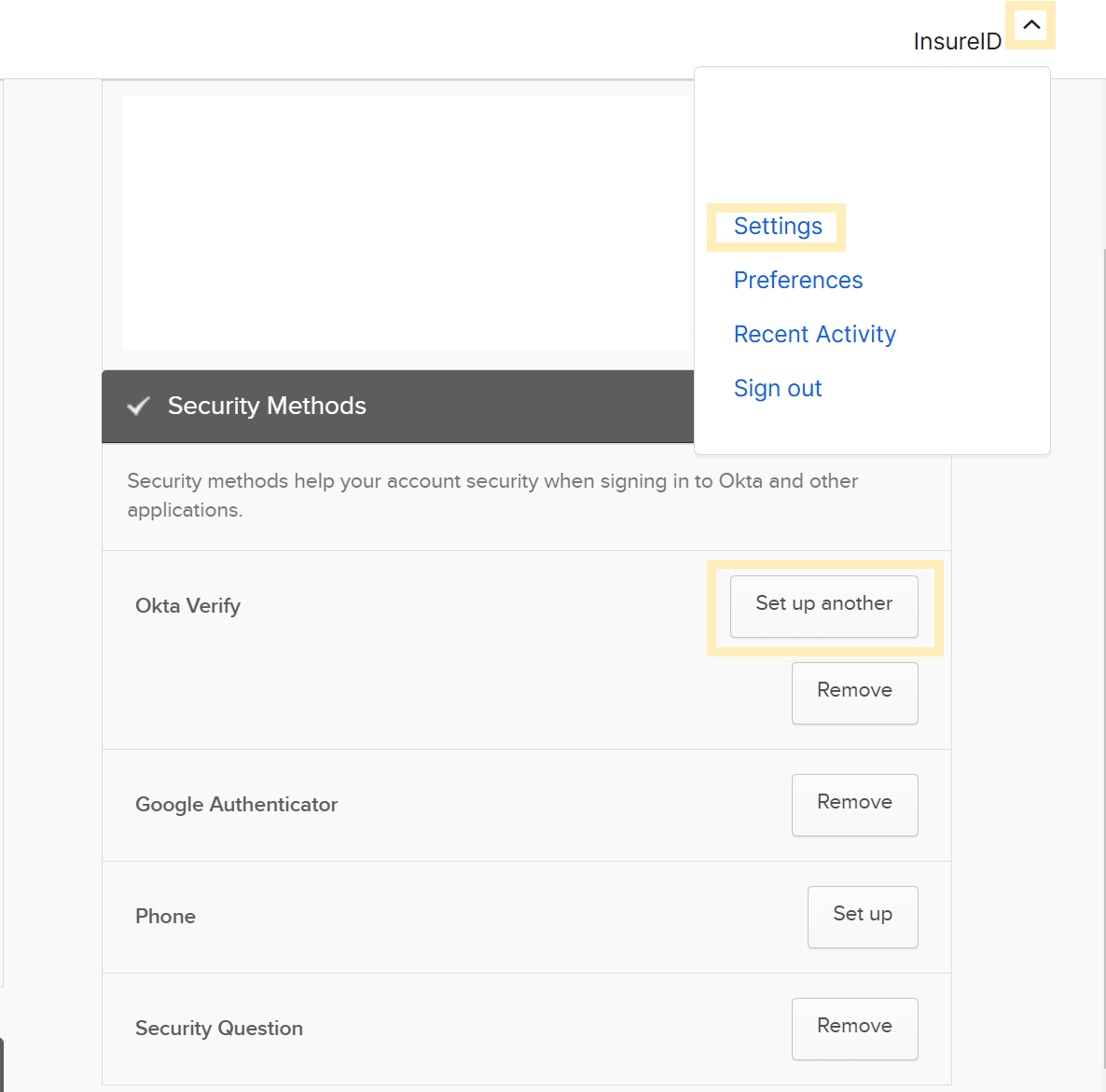
At the top-right, select your username, and then select Settings.
-
In the Security Methods section next to Okta Verify, select Set up another.
-
In Extra Verification, select Set up another.
-
Follow the prompts to authenticate with InsureID.
-
Under Okta Verify, select Set up.
-
Follow Okta's instructions for the type of device you're installing it on:
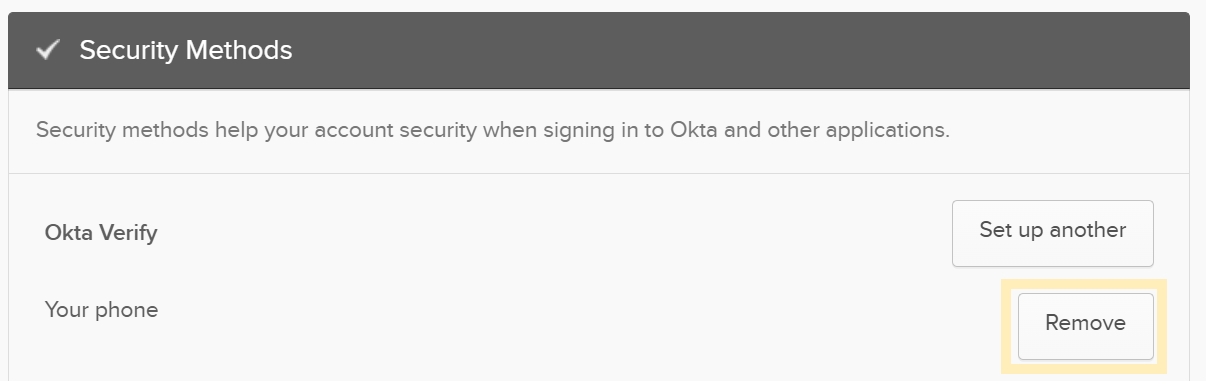
warningIf you plan to discard your old device, remove your device from Okta Verify.
-
To remove a device from Okta Verify, select Remove next to your device.