Set up SMS or voice call
SMS authentication uses the text messaging service on your mobile phone. Voice Call calls your smartphone or landline and reads an access code aloud.
To setup SMS or Voice Call authentication
-
In your computer browser, begin logging into the website you want to access.
-
In the InsureID login page, enter your login credentials, and then select Sign In.
-
Select Set up.
-
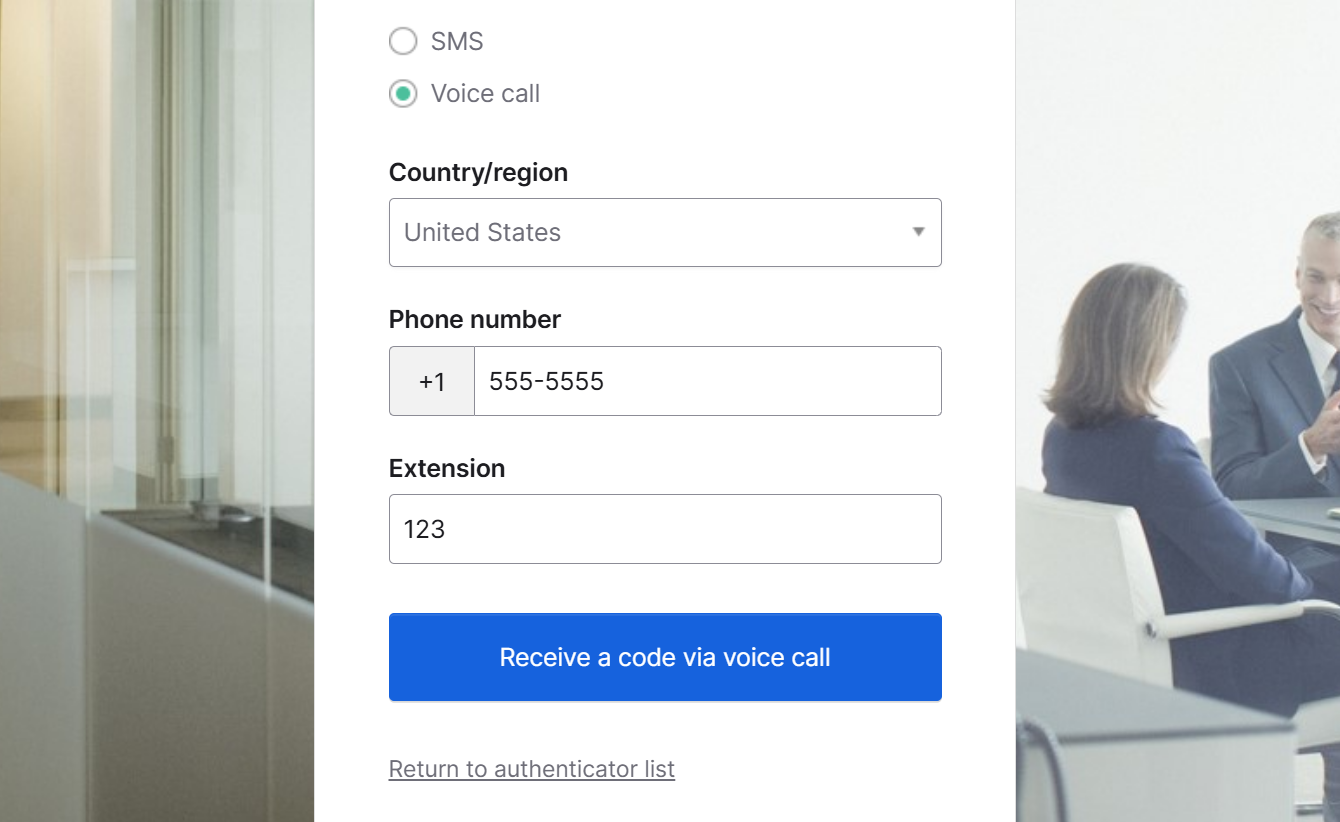
Select SMS or Voice call
-
Enter your phone number, and extension if you have one.
-
Select Receive a code via....
tipPeople often miss selecting Receive a code via SMS or Receive a code via voice call. You must select the button to get your code.
-
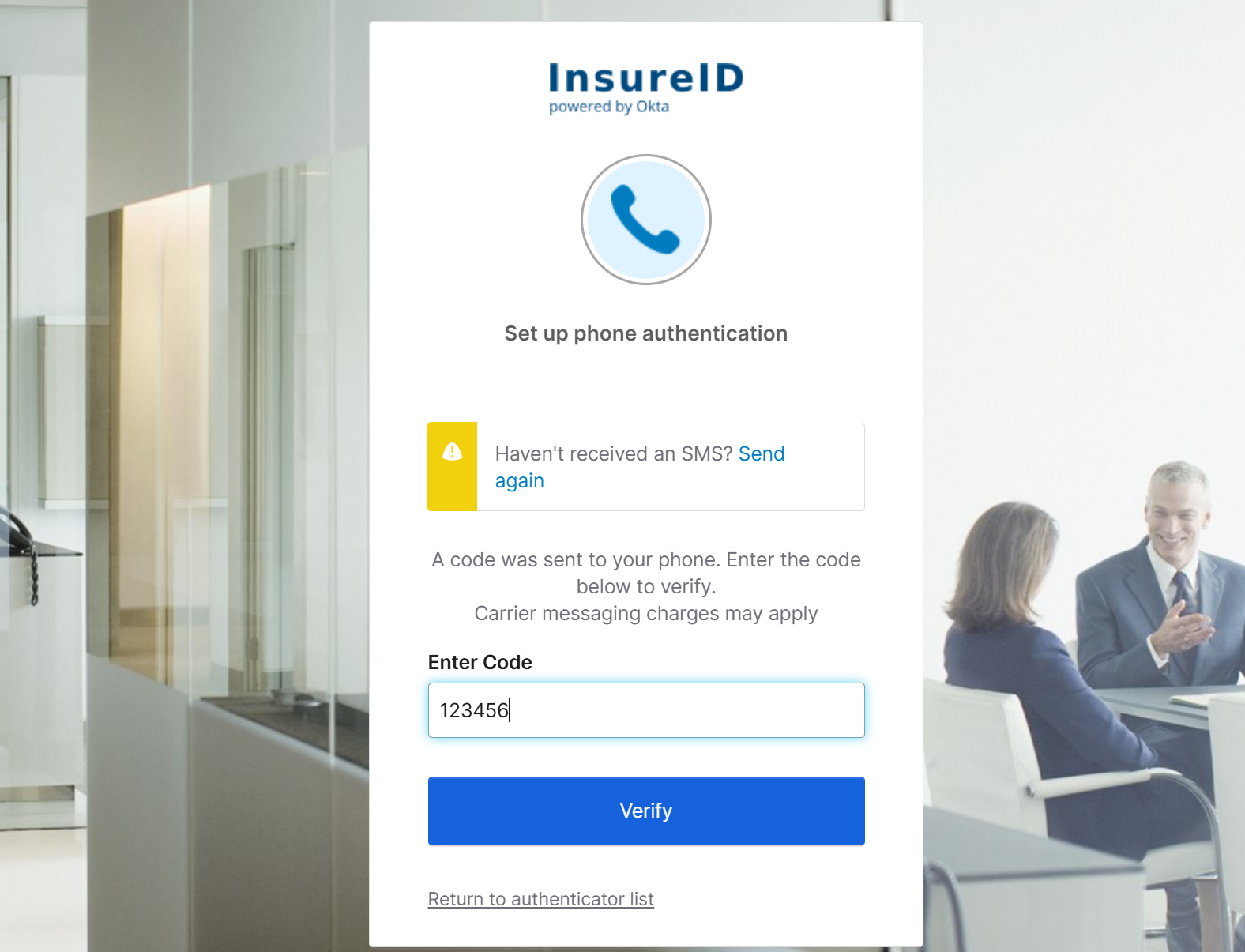
On your phone, open the SMS message, or answer the phone call you get.
-
On your computer, enter the code, and then select Verify.
Prefer a video walkthrough? view video overview: Set up SMS for MFA