Set up Google Authenticator
Google Authenticator generates a six-digit code for you to enter into your InsureID login screen. You have 30 seconds to input the code before it generates another. If you miss the window, use the next code to log in. After five unsuccessful attempts, InsureID will lock your account for protection, and you must submit a ticket through the portal, or send an email to support@insureid.net.
To setup Google Authenticator
-
On your computer browser, go to the site you want to access, or go to https://insureid.okta.com.
-
Enter your email address, and then select Next.
-
Enter your password, and then select Verify.
-
Under Google Authenticator, select Set up.
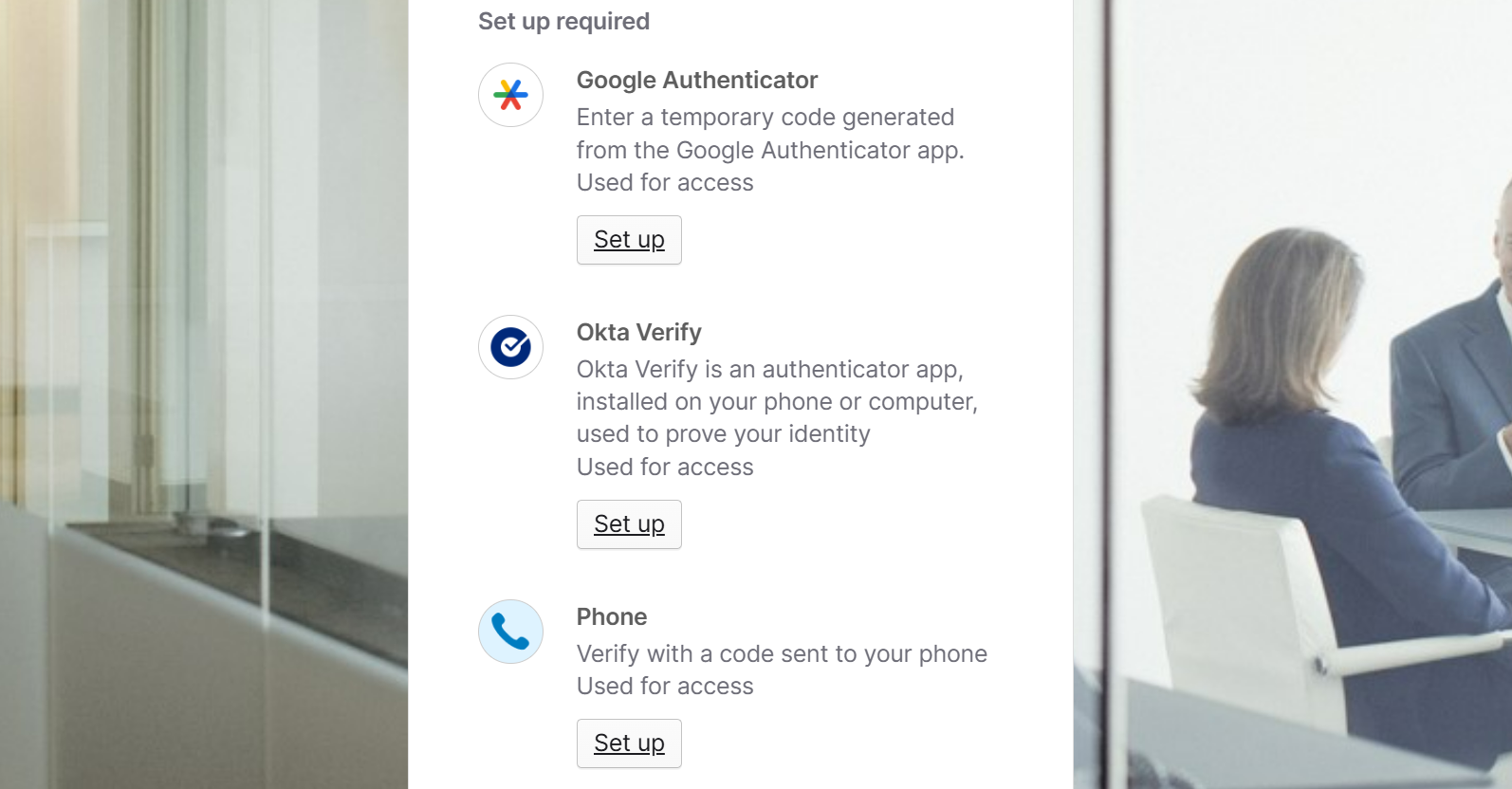
-
Follow Google's instructions for the type of device you're installing it on:
Prefer a video walkthrough? View video overview: Set up Google Authenticator for MFA