Set up Okta Verify
Okta Verify is a mobile app that verifies your identity in one of the following two ways:
- Sends you a push notification that you approve
- Generates a six-digit code you enter into your Okta login screen to access your app
To setup Okta Verify
-
On your computer browser, go to the site you want to access, or go to https://insureid.okta.com.
-
Enter your email address, and then select Next.
-
Enter your password, and then select Verify.
-
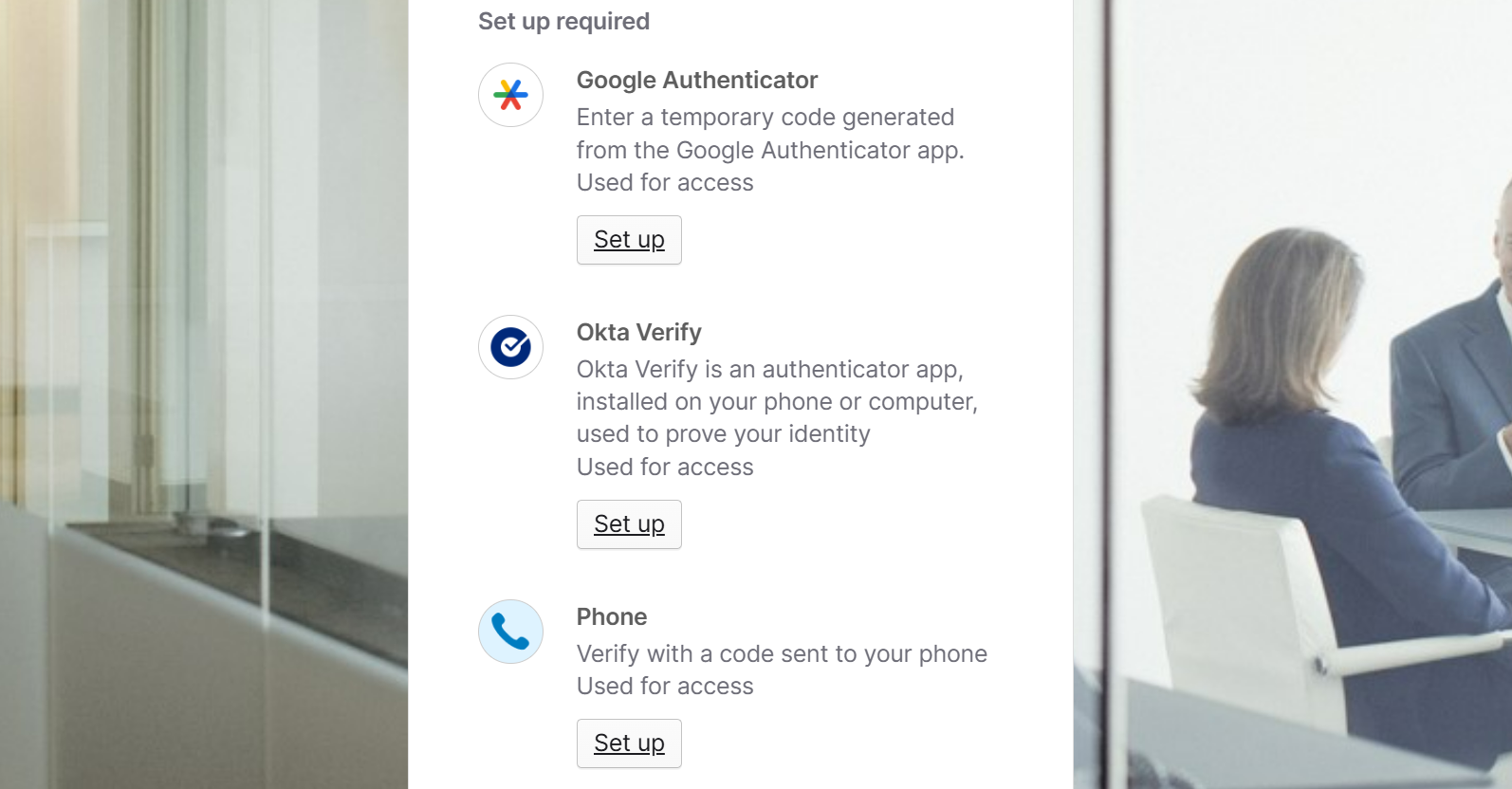
Under Okta Verify, select Set up.
-
Follow Okta's instructions for the type of device you're installing it on:
The next time you log in to the website, InsureID offers to either send you a push notification or ask you for a numeric code. If you choose the push notification, then approve it when it arrives on your phone. If you choose to use the code, you find the code in Okta Verify, and then enter it into your browser.
Prefer a video walkthrough? View Video Overview: Set up Okta Verify with Push for MFA