Change or forgot password
You can change your password if you forgot it.
To reset a forgotten password
-
Log out if you haven't already.
-
Go to the InsureID site.
-
Enter your username.
-
Select Next > Forgot password?.
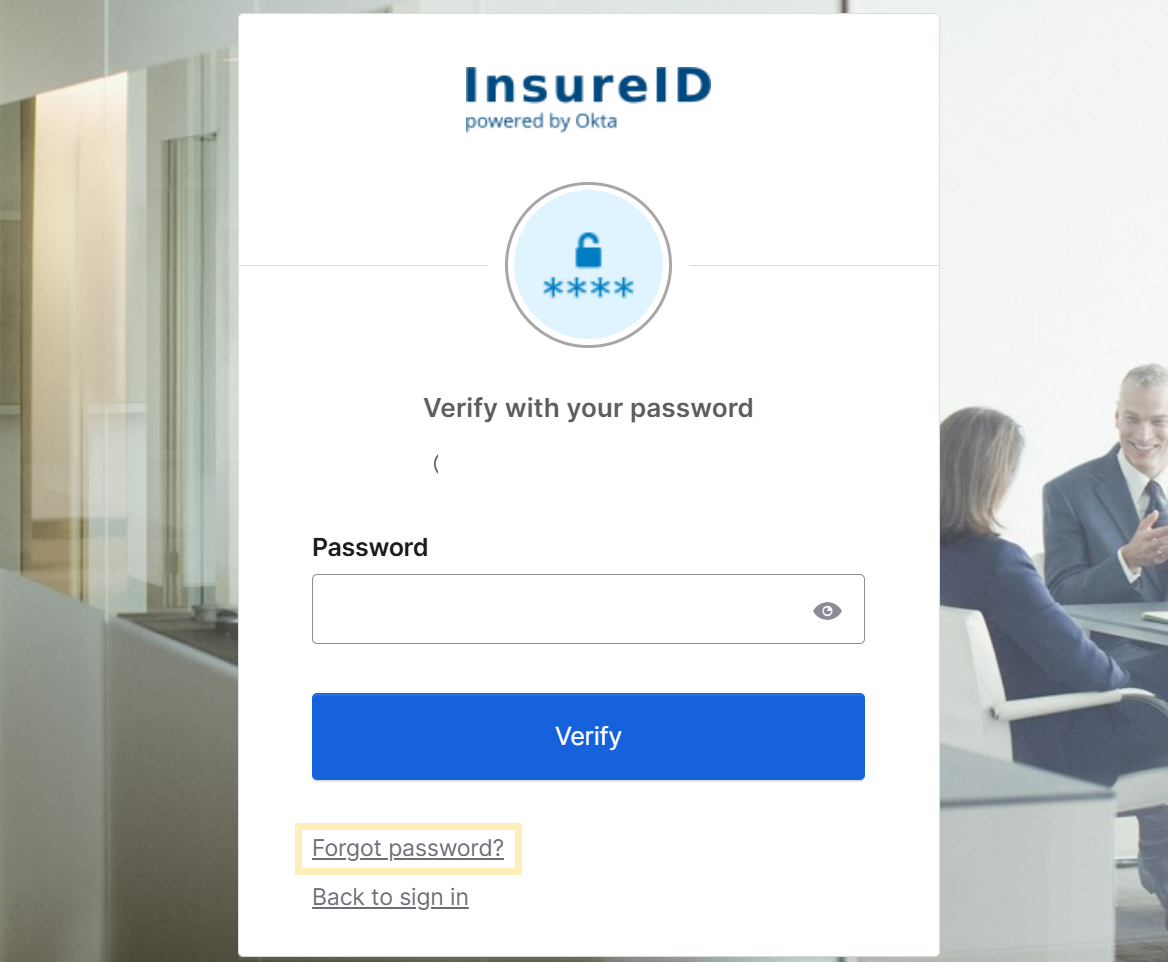
-
Follow the prompts on your screen to finish.
To change your password
-
Sign in to your InsureID account.
-
At the top-right, select your name.
-
Select Settings.
-
At the top-right, select Edit Profile.
-
Follow the prompts to authenticate with InsureID.
-
In the Change Password section, enter your current and new passwords.
-
Select Change Password.