Reset password for a first time log in
This page walks you though resetting your password before you log in for the first time.
To reset your password for a first time log in
-
Contact support@insureid.net, asking for a password reset.
-
Wait for and open the email from InsureID with instructions on how to log in and a temporary password.
-
Use the temporary password to log in to https://insureid.okta.com.
-
Set a new password and security question.
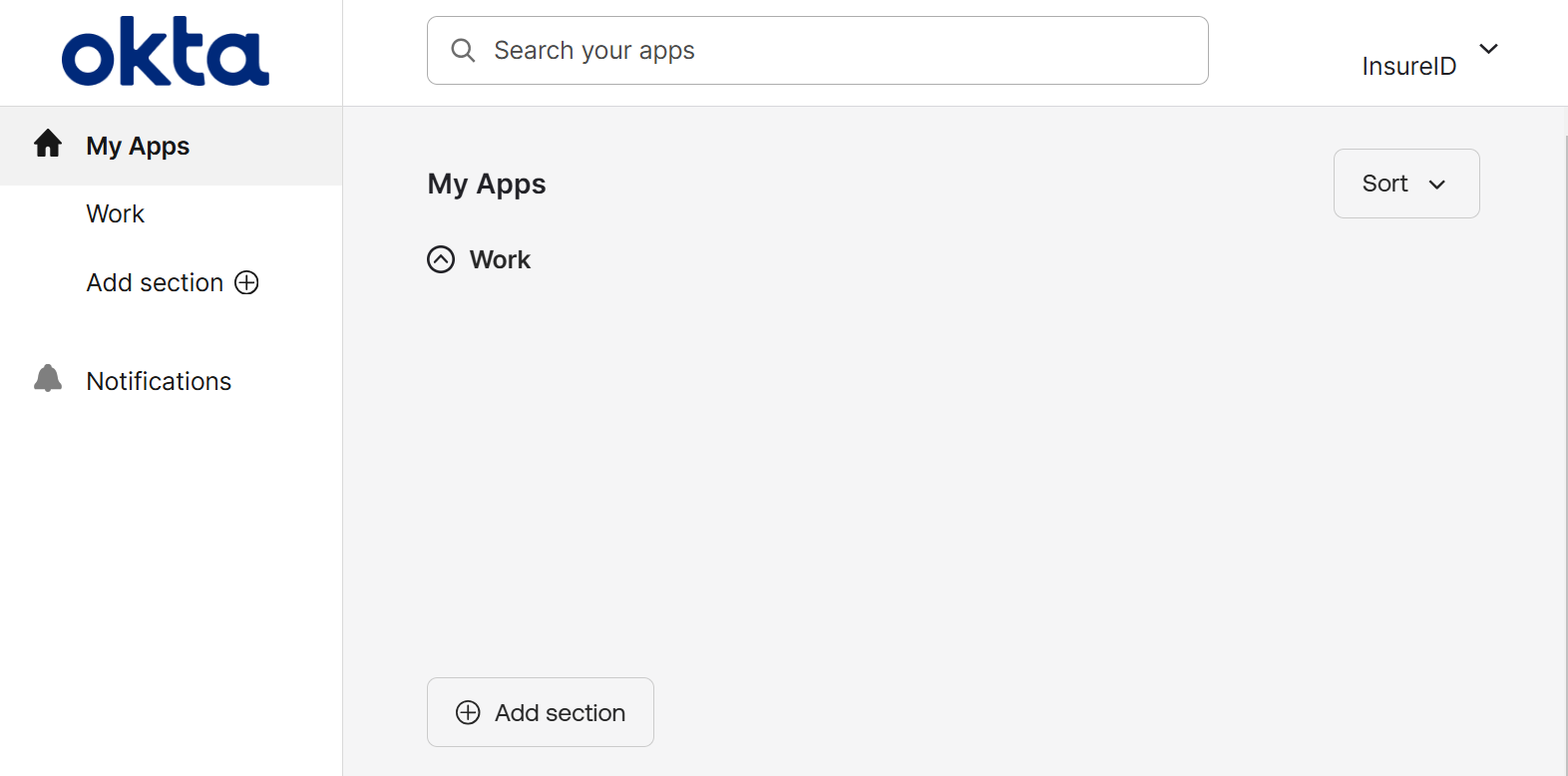
infoYou redirect to the InsureId dashboard.
-
Open the website or application you're trying to access.